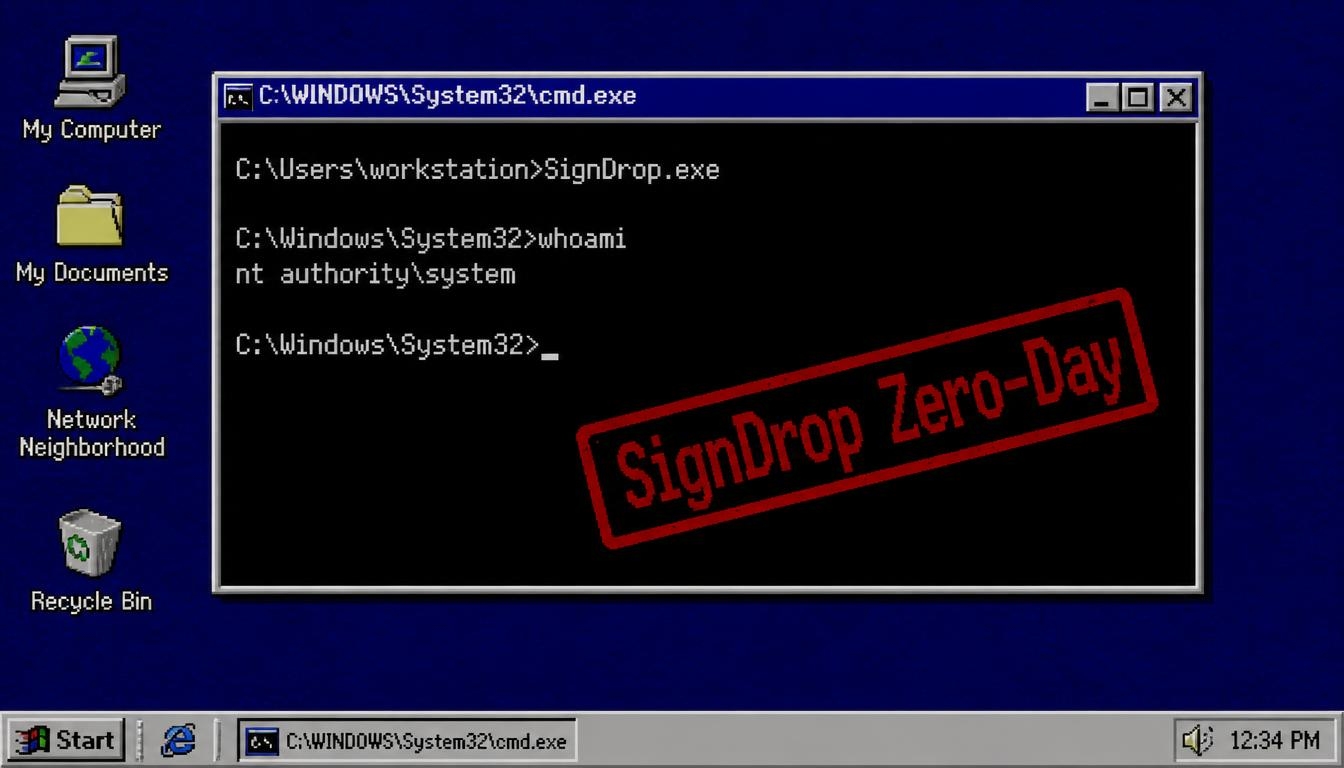
SignDrop: What the Windows CLFS Zero-Day Claim Means for Defenders
A Windows security feature designed to make malicious logfiles harder to exploit is now at the center of a public privilege-escalation claim. SignDrop, disclosed by the researcher known as MSNightmare, reportedly abuses the Common Log File System (CLFS) driver's logfile-authentication workflow to turn actions performed by a privileged process into a route to SYSTEM access.
The immediate challenge for security teams is not simply deciding whether the claim is serious. It is distinguishing a published and reportedly reproduced proof of concept from a vendor-confirmed vulnerability with a defined affected-product matrix, a supported workaround, and a patch.
As of the November 12, 2026 reporting reviewed for this article, The Hacker News reported no Microsoft confirmation, assigned CVE, or SignDrop-specific fix. It also reported no known attacks using the exploit. Those are time-bounded reporting statements, not assurances that exploitation cannot occur or that a subsequent advisory will not change the picture. [1]
The appropriate response is to inventory relevant systems, preserve existing protections, and investigate suspicious privilege transitions. Disabling a security feature because it appears in an exploit chain can replace one uncertain exposure with a broader, well-understood weakness.
What Is Established, and What Remains a Claim?
The public evidence has several layers that should not be treated as interchangeable.
- Published research: MSNightmare's repository describes a CLFS local privilege-escalation technique and provides proof-of-concept material. This establishes that a public implementation and technical explanation exist; it does not establish universal exploitability. [2]
- Documented platform behavior: Microsoft documents the logfile-authentication mechanism, its configuration modes, and the companion files involved. These documents corroborate the underlying feature design, not Microsoft's acceptance of the SignDrop vulnerability claim. [3][4]
- Reported independent reproduction: The Hacker News attributes a successful test to Heewon Song of 78researchlab's PurpleHound team, relayed in an assessment by Sungyup Nam. The same report says the implementation was not reliable enough for operational use. This article relies on that reporting for the independent-test account. [1]
- Unconfirmed breadth: The repository's broader claims about the proportion of Windows installations affected and applicability to other antimalware products are not a validated enterprise exposure estimate. [2]
- Unresolved vendor status: The November 12 report states that Microsoft had not confirmed the issue, assigned a CVE, or released a fix. No severity score should be invented to fill that gap. [1]
Calling SignDrop a zero-day describes the disclosure context reported by the researcher and news coverage. It should not be used to imply documented exploitation in the wild. Likewise, a successful laboratory reproduction does not prove that every endpoint sharing a registry value can be compromised by the same implementation.
Why CLFS Has an Authentication Layer
CLFS is a Windows logging subsystem used by applications and operating-system components. Its driver operates on structured logfiles and associated containers. Processing complex, potentially attacker-influenced structures in a privileged component creates a security-sensitive parsing boundary.
Microsoft's authentication mitigation adds hash-based message authentication codes, or HMACs, to logfile data. The codes depend on a cryptographic key unique to the machine. Microsoft's documentation explains that the driver uses these codes to check integrity before parsing internal structures and can reject files whose authentication is missing or invalid in enforcement mode. [3][4]
This mechanism is not a user sign-in system, and it is not Authenticode verification of executable publishers. Here, authentication concerns the integrity and provenance of CLFS logfile content. Confusing these meanings can lead defenders toward unrelated certificate, identity-provider, or Windows login controls.
The hardening also introduces a companion file with the .cnpf extension alongside a binary logfile or data container. Microsoft describes it as a patch file that can hold information required to recover a logfile that was not cleanly closed. The file receives the same security attributes as the file for which it provides recovery information. [3][4]
That last design property is central to the reported attack. A permissions relationship that is reasonable for ordinary recovery operations can become dangerous when file creation crosses a trust boundary and the destination is influenced by a less-privileged actor.
The Reported Trust-Boundary Failure
At a conceptual level, SignDrop combines attacker-controlled log metadata, a privileged process, and redirected filesystem operations.
The researcher describes a standard user preparing a CLFS logfile and related container information. When a higher-privileged process subsequently opens the prepared log, the driver handles associated files in that process's security context. The reported issue is that companion-file creation can be redirected to an attacker-selected destination while retaining permissions derived from the original, user-controlled file. [2]
The resulting condition is more significant than an ordinary file written into a user's own directory: a privileged operation reportedly creates a file at a location the user could not normally populate, yet leaves that file writable by the user. The public demonstration then chains that capability into execution as SYSTEM.
In the published chain, the privileged participant is the Microsoft Defender antimalware service. The researcher uses its update interface to induce the relevant file operation. The broader lesson is that the identity of a trusted process does not automatically make every path, metadata field, or object it consumes trustworthy.
This is not a reported break of HMAC cryptography. Nor does the available explanation require presenting SignDrop as a new memory-corruption primitive. The described weakness concerns how legitimate operations compose: path resolution, inherited permissions, and a change in the caller's authority can combine into a privilege-escalation opportunity.
The repository also claims applicability to other antimalware engines. That remains an extension of the researcher's argument, not a basis for announcing that all antivirus or EDR products can be disabled. Product-specific interfaces and reachable execution paths would need separate validation.
Local SYSTEM Access Is Serious, but It Is Not Remote Initial Access
The reported starting point is local execution as a standard Windows user. SignDrop is therefore relevant to an attacker who already has a foothold, such as a compromised user session or the ability to run an untrusted program on the endpoint. The published claim does not describe unauthenticated exploitation of an Internet-facing service.
That distinction changes prioritization without making the outcome minor. SYSTEM access can substantially increase an attacker's control over the affected machine, potentially enabling persistence, interference with security services, or access to sensitive local resources. The exact consequences depend on additional controls, credential protections, and the workload.
It does not automatically mean domain administrator privileges, compromise of every connected service, or defeat of every isolated security boundary. Incident scope must be established from evidence rather than inferred from the word SYSTEM.
Least privilege remains valuable even when a local escalation is disclosed. It reduces routine authority and limits other attack paths. Application control, restrictions on untrusted execution, and separation of administrative workflows can reduce opportunities to reach the reported starting point, although none should be advertised as a proven SignDrop-specific fix.
Understanding the Claimed Exposure
The repository lists tests on Windows 11 26H2, Windows 11 26H2 Experimental, and Windows Server 2025 Experimental. These are the researcher's stated test environments, not a Microsoft-confirmed list of affected supported builds. [2]
Microsoft's support documentation separately identifies the CLFS authentication hardening in Windows 11 version 25H2 and Windows Server 2025 updates released on or after October 28, 2025. Feature availability and exploit validation answer different questions; neither list should be silently substituted for the other. [4]
For inventory, the relevant registry location is HKEY_LOCAL_MACHINE\SYSTEM\CurrentControlSet\Services\CLFS\Authentication, with the operating state recorded in the Mode value.
- Mode 0: Enforcement. CLFS rejects logfiles with missing or invalid authentication codes. The researcher places this mode within the claimed SignDrop attack surface.
- Mode 1: Learning. CLFS supports adoption of the authentication format, including adding missing codes when the caller has the required write access. The researcher also places this mode within the claimed attack surface.
- Mode 2: Administratively disabled. Authentication hardening has been disabled by an administrator. The researcher says this falls outside the described technique, but that is not equivalent to a secure configuration.
- Mode 3: Automatically disabled. Microsoft's support article documents this as a system-disabled state and says administrators should not select it manually. It also falls outside the researcher's stated mode-based scope.
Use these values as configuration evidence, not as a binary exploitation test. A missing value, collection error, or unsupported build should remain unresolved until interpreted against the installed platform and effective policy. Record the OS build, update state, relevant driver information, Defender operating state, and observation time alongside the mode.
The widely repeated 90-day detail also needs precision. Microsoft's adoption period starts when the system first runs the relevant CLFS version, not simply when Windows was originally installed. After the documented period expires, the driver transitions to enforcement on its next start. Policy and transition settings can affect that behavior, and Microsoft notes that the default duration may change. [4]
Because the researcher includes both learning and enforcement in the claimed scope, extending learning mode is not a supported escape from the reported problem. An endpoint's age alone cannot establish either vulnerability or safety.
What the Public Demonstration Does Not Prove
According to The Hacker News, Defender must be enabled for the published chain to succeed. Its account of the independent test also describes conspicuous changes to UAC behavior: prompts open a standard-user shell and a SYSTEM shell, interfering with normal actions. [1]
These observations matter in two ways. First, they caution against treating the demonstration as a reliable, invisible exploit suitable for every target. Second, they offer an investigation lead when help-desk reports mention unexpected shells or broken elevation behavior.
Neither point is conclusive on its own. A demonstration that fails does not prove an endpoint is immune, and an attacker could modify implementation details. Conversely, an unusual UAC prompt is not sufficient evidence to attribute an incident to SignDrop.
The November 12 coverage reports no attacks using this exploit and no SignDrop entry in CISA's Known Exploited Vulnerabilities catalog. That absence should not be turned into a detection strategy. Public reporting, vendor assessment, and evidence from an organization's own endpoints can evolve on different timelines.
Do Not Remove Protections as a Shortcut
Microsoft explicitly warns that disabling CLFS authentication allows the driver to parse potentially corrupted or malicious logfiles without those checks. The researcher's own writeup also warns against exchanging this hardening for exposure to the parsing risks it was introduced to reduce. [2][3]
For that reason, a fleet-wide change to disable CLFS authentication is not a prudent default response. A registry value outside one proof of concept's claimed scope is not a comprehensive security control.
Disabling Defender is similarly inappropriate as a general recommendation. Its participation in the published chain does not erase its role in detecting initial access, malicious execution, and subsequent activity. Removing endpoint protection can increase overall exposure while failing to address possible alternative privileged callers.
Continue installing applicable Windows and security-product updates, but do not describe an unrelated cumulative update as a SignDrop fix without vendor confirmation. Track Microsoft's Security Update Guide for an advisory, affected-build information, mitigations, and any eventual supersedence or restart requirements. [5]
Avoid running downloaded proof-of-concept binaries on production machines to answer an inventory question. If an authorized security team needs technical validation, use isolated, disposable systems without production credentials and with a recovery plan. This article does not independently execute or validate the exploit.
Detection Priorities: Correlate Behavior, Not File Extensions
The following are defensive hunting hypotheses derived from the reported mechanism, not published, validated SignDrop detection signatures.
- Unexpected privileged writes: Review file creations by security services or other privileged processes in locations inconsistent with their established behavior. Investigate permissive file access rights and the relationship to preceding activity from a standard-user process.
- Unusual elevation behavior: Correlate unexpected interactive SYSTEM shells, abnormal elevation prompts, and related executable or library changes with process ancestry and user-session timelines.
- Suspicious CLFS activity: Examine unusual logfile or container activity in user-controlled locations when it coincides with privileged file writes. CLFS and
.cnpffiles are legitimate platform artifacts, so their presence alone is not an indicator of compromise. - Protection changes: Investigate unauthorized changes to CLFS authentication configuration, Defender settings, service state, or security telemetry collection. Such changes can indicate tampering, but they are not unique to SignDrop.
- Follow-on activity: Look for newly established persistence, unfamiliar services or scheduled tasks, suspicious credential access, and unexpected outbound connections after a suspected privilege transition.
Coverage depends on what the environment actually collects. Endpoint products differ in their visibility into file operations, security descriptors, and object-manager behavior. Some relevant operations may not produce a useful event in ordinary Windows logging. A query returning no results can therefore mean missing telemetry rather than absence of activity.
Baseline legitimate software updates, administrative tools, and CLFS consumers before promoting broad conditions into high-severity alerts. Preserve the underlying events so an analyst can reconstruct the relationship between the user process, privileged process, file operation, and resulting execution.
A Practical Response Sequence
Begin with an evidence-backed inventory. Identify systems running the relevant authentication feature, record configuration without changing it, and prioritize endpoints that combine untrusted code execution opportunities with access to sensitive resources. Developer workstations, shared hosts, and administrative workstations may warrant different urgency based on their actual exposure.
Next, verify that existing prevention and telemetry controls are operating as intended. Review application-control coverage, administrative access separation, and endpoint reporting health. Assign an owner to monitor vendor updates rather than letting an unconfirmed vulnerability disappear between patch-management cycles.
If suspicious behavior is found, transition from vulnerability triage to incident response. Isolate affected systems according to operational policy, preserve relevant process and file evidence, and establish whether elevated execution occurred. Assess reachable credentials and secrets based on the observed access and rotate them from a trusted environment when warranted.
Do not assume that installing a future fix will remove persistence, terminate every attacker session, or revoke stolen credentials. Conversely, do not declare compromise solely because a mode value matches the researcher's stated prerequisites. Configuration findings and incident findings require different evidence and different response actions.
The durable lesson from SignDrop is that integrity protection and authorization solve different problems. A logfile can be authenticated while a surrounding file-creation workflow still mishandles whose authority should govern the operation. Defenders should preserve the protection already in place, track the unresolved boundary issue, and make decisions from verified configuration and behavior rather than the loudest prevalence claim.
Sources
Reporting cutoff: November 12, 2026. Vendor status and exploitation statements are attributed to the contemporaneous reporting below and may change.
- The Hacker News: New SignDrop Zero-Day Exploit Turns Windows CLFS Security Feature Into SYSTEM Access. Disclosure timeline, reported independent test, implementation limitations, and reported vendor status.
- MSNightmare: SignDrop Research Repository. Primary researcher claims, stated test environments, and conceptual mechanism. Linked for attribution, not as a recommendation to execute the demonstration.
- Microsoft Learn: CLFS Logfile Authentication. Authentication design, companion-file behavior, mode configuration, and the risks of disabling protection.
- Microsoft Support: Common Log File System Authentication Mitigation. Feature availability, adoption period, configuration values, and operational effects.
- Microsoft Security Response Center: Security Update Guide. Official channel to monitor for subsequent vendor guidance; inclusion here does not imply a SignDrop advisory exists.